Subtitle translation
Follow translated text alongside accessible English captions in a supported Echo360 player.
Understand every lecture.
AI-powered lecture translation, summaries and study tools.
Designed for university students.
Checking installation options…
The derivative tells us how fast a function is changing.
导数告诉我们一个函数变化得有多快。
Illustrative lesson & authored translations. Not a live course.
The original captions stay the source.
Your language makes
the meaning clearer.
Follow translated text alongside accessible English captions in a supported Echo360 player.
Switch translation language without changing your lecture. Keep technical terms in context.
No video upload. Existing, accessible captions are required. LectureAI does not record audio or transcribe videos without captions.
One lecture. Four ways to revisit it.
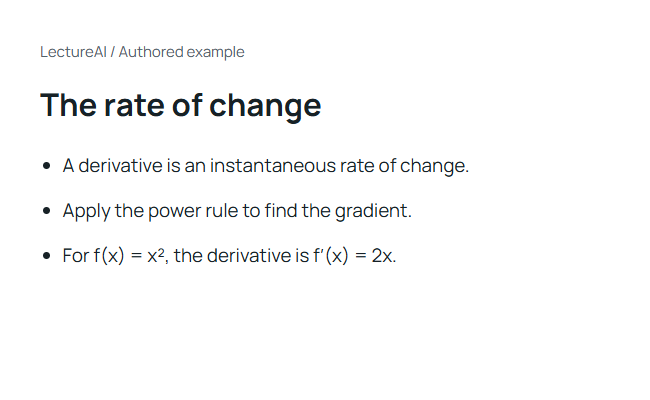
Find the main ideas, examples and formulas in structured lecture notes.
View example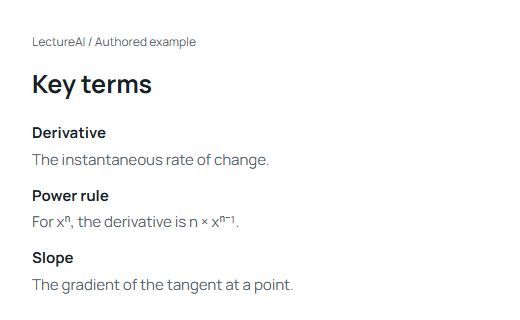
Revisit important vocabulary with definitions tied to the lesson.
View example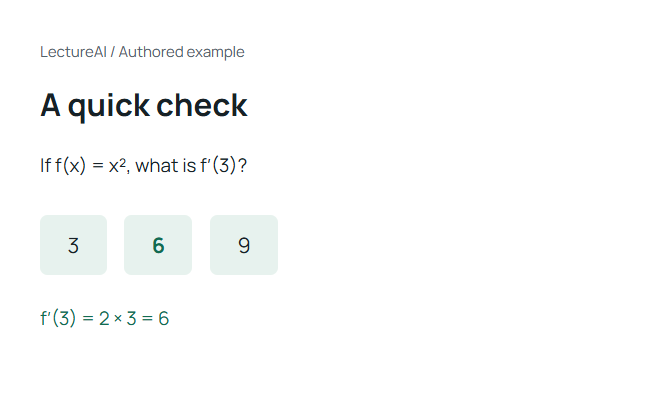
Check your understanding with questions and explanations.
Try the question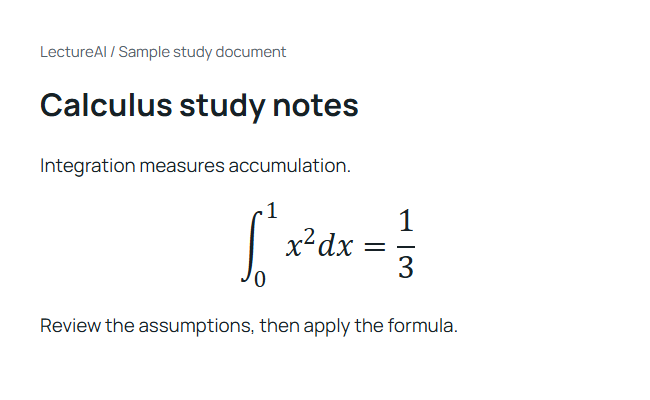
Take generated study materials into your own revision routine.
Open sample PDFSample study materials. Your results depend on the lecture captions and generated output.
From a supported lecture
to your next revision session.
Install LectureAI from its official Chrome Web Store listing and choose “Add to Chrome”.
Open an authorized Echo360 / EchoVideo recording with accessible captions.
Translate captions, then generate a summary, key terms, quiz and PDF.
Choose the installation option above. Pin LectureAI to your toolbar after installation.
Checks mark the guide steps you have reviewed, not a verified extension installation.
An interactive, authored example. No AI request or account needed.
Explore a sample summary, vocabulary and a practice question.
A derivative describes how quickly a function changes at one point.
Echo360 / EchoVideo
For supported players and courses you are authorized to access. Canvas can host those players; compatibility depends on the embedded recording and available captions.
Support is not universal across institutions or player versions. Additional platforms are a future possibility, not a current feature.
LectureAI is a browser extension for translating accessible lecture captions and creating AI study materials: summaries, key terms, quizzes and PDF exports.
It reads accessible original captions in a supported player, sends relevant text to the configured AI service through its backend, and displays translated captions or study materials.
Canvas is a learning platform, not a single video player. A supported Echo360 / EchoVideo recording embedded in Canvas may work when captions are accessible. Not every Canvas course or recording is supported.
The current focus is Echo360 / EchoVideo. Compatibility varies by player version, embedding and caption access. Panopto and Kaltura are not currently supported.
No. This version reads caption text. It does not record microphone or lecture audio, and you do not upload a video.
Yes. The recording must already have captions that the extension can access. It does not provide speech recognition for videos without captions.
Free accounts receive 5 hours of translation each month in Fast mode. Pro is A$9.90 per month and includes all current features without a product usage cap. Payment opens only after live billing is configured. This website's example does not make a paid AI request.
The extension is intended for desktop Chrome, including Windows and Mac. You can browse this website and read exported PDFs on phones and iPads; that does not mean the desktop extension runs in their browsers.
LectureAI for desktop Chrome.
Checking installation options…